Everything for the brand in one place. Go top to bottom: what the brand is, the book decision, one-time setup, tonight's 5PM launch, then the weekly rhythm. Checkmarks save as you go.
The idea in one line
The book's 30 values become short stories kids can watch, color and talk about.
Read it → color it → talk about it → earn a certificate. The book's own "How to use" page is the format for every episode.
ChannelGrow Big Hearts
ForKids 4–8 and their grown-ups
Season 18 episodes · 8 Shorts
Rhythm2 eps every Monday
Look
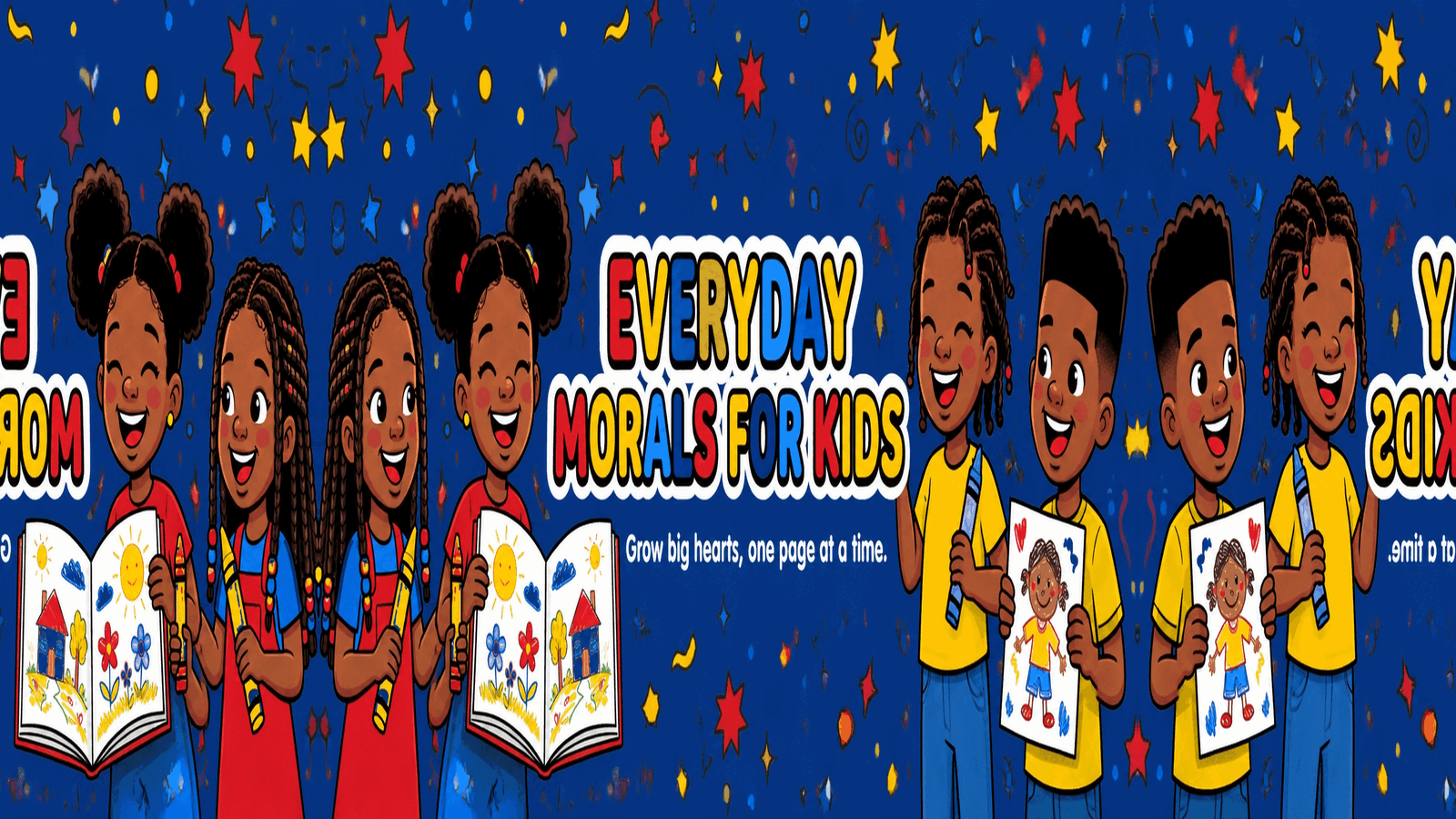
Clean 2D cartoon, bold outlines, joyful Black kids. The art is royal blue, red and yellow. Avatar 1024², banner 2560×1440.
Sound
01The auntie. Urban Southern, mid-30s. She’s mom’s BFF and every kid’s favorite aunt. “Ooh child, now listen…”
02The kids. Around six years old, never babyish. Two or three real lines per story.
03Every episode: welcome → story → “Did you spot it?” → “Try it today” mission → recap.
The book's delayed. We launch anyway, tonight at 5.
The channel launches tonight and the book gets its own launch later, so you get two rounds of buzz. Every week of episodes before then grows the list of parents waiting to buy.
Book status
Coming soon · no date announced
Waitlist open
Book-delay fixes · finish by 4:00 PM
Pause or hide any pre-order / KDP listing linkIf a listing is live with an old date, unpublish or leave the date off. Never send parents to a page that can’t ship.
Amazon · KDP
Bios + About tab: “Book coming soon → join the list”Replace every “Shop the book” / “Buy now” on YouTube, IG, FB, TikTok.
All platforms
Episode descriptions point to the waitlistThe descriptions in step 06 already use your waitlist link. Paste them as they are.
YouTube
Website: free page first, book waitlist secondOn grow-big-hearts.com, remove any “buy” button. Put “Free coloring page” at the top and “Book coming soon, join the list” below it.
grow-big-hearts.com
Waitlist welcome emailSubject: “Your free coloring page is here 💛”. Attach the Kindness page and add one line: “The book is coming soon. You’ll be the first to know.”
Email tool
Update anyone you promised a dateFriends, family, early buyers. Send one honest text: “Book’s getting finishing touches, channel launches tonight at 5!”
Text
Say this, every time
"The Everyday Morals for Kids coloring book is getting its finishing touches. Join the list and you'll be first to know, plus a free coloring page tonight."
If a parent asks “where's the book?”
When the book has a firm date
Email the waitlist first. They get the link before anyone else.
Post a "The book is HERE" Short that uses coloring pages from the episodes.
Add the buy link to all 8 descriptions, your bio and the banner.
Run a "Color along" week: one book page plus its matching episode each day.
Channel name + handle“Grow Big Hearts” · @Growbighearts on YouTube, IG, FB and TikTok. You have all four.
All
Add the contact email: growbighearts@gmail.comYouTube About tab → Business email. IG and TikTok contact buttons. FB contact info. Put it in the grow-big-hearts.com footer too.
All
Add the website link to every profilePut grow-big-hearts.com in the YouTube links, the IG and TikTok bio link, and the FB website field.
All
Upload avatar + bannerAvatar 1024² and banner 2560×1440 from the brand kit.
YouTube
Made for Kids: channel levelYouTube Studio → Settings → Channel → Advanced → Yes, set as made for kids.
YouTube
Create “Season 1 · Everyday Morals” playlistAll 8 episodes go here in order.
YouTube
About tab + bios“Short stories that grow big hearts. Kids 4–8.” Book coming soon → join the list.
All
Link-in-bio pageFree coloring page and waitlist first, playlist second.
IG · TikTok
Make the free Kindness page downloadA PDF of the Kindness coloring page from the book, behind your waitlist signup.
Launch-day posts are numbered to match the schedule. The two weekly templates at the end are for every Short and every Monday after today.
01Teaser4:10 · IG / FB / TikTok · with banner
Something sweet goes live at 5PM tonight 💛
Grow Big Hearts is a brand-new YouTube channel for kids 4–8. Short stories, real values, and a cast of kids who look like ours.
Kindness. Honesty. Respect. Courage. One story at a time.
5PM ET on YouTube → @Growbighearts
Set your reminder ⏰
#GrowBigHearts #EverydayMorals
02Personal text4:20 · send one by one, not as a group blast
Hey! Today's the day 🙈 My kids' channel, Grow Big Hearts, premieres at 5 tonight. Little stories about kindness, honesty, all the good stuff, for ages 4–8.
Would mean the world if you watched one with your babies tonight and told me what they thought 💛
[premiere link]
03Go-live5:00 · story + feed
WE'RE LIVE 🎉
Episode 1: The Littlest Shoelace (Kindness)
Episode 2: The Broken Cup (Honesty)
Press play with your little one and ask them what they spotted 👀
Link in bio @Growbighearts 🔗
04Parent groups4:55 · only where promo is allowed
Hi everyone 👋🏾 I'm a mom/author and I just launched a free YouTube channel for kids 4–8 called Grow Big Hearts.
Each episode is a short story about one value, like kindness, honesty or courage, starring Black kids, with a little "try it today" mission at the end.
First two episodes premiere tonight at 5PM ET. If it fits your family, I'd love for you to check it out 💛
[premiere link]
Follow along → @Growbighearts on YouTube, IG, TikTok and FB
05Why I made this5:20 · IG / FB · book page + episode frame
This started as a coloring book. 30 values, 30 kids, one page at a time ✍🏾
I wanted my kids to see themselves being kind, brave and honest, so now those pages talk, move and tell stories.
The book is getting its finishing touches 📚 so the stories are coming first. The channel is live tonight. Join the list to be first when it's ready → https://grow-big-hearts.com
@Growbighearts
06Free coloring page6:30 · lead magnet → waitlist
FREE coloring page 🖍️
Grab the Kindness page from Episode 1 and color it with your little one tonight. Ask them: "Who could YOU be kind to tomorrow?"
Download it free → https://grow-big-hearts.com
(You'll also be first to know when the full Everyday Morals for Kids coloring book drops 💛)
07Bedtime story7:30 · parents’ prime time
Tonight's bedtime story 🌙
"The Littlest Shoelace." A story about kindness, told by the auntie every kid wants and a little friend who just learned what kindness feels like.
3 minutes. One big heart. ❤️
Watch on YouTube → @Growbighearts
08Thank-you8:30 · story
Y'all. THANK YOU 🥹 Day one of Grow Big Hearts is done and your messages have me in tears.
Tomorrow: our first Short, "Spot the Kindness." See you there 💛
@Growbighearts
The Littlest Shoelace | A Kindness Story for Kids | Everyday Morals Ep 1
A friend can’t tie his shoe… what would YOU do? A gentle story about kindness for kids ages 4–8.
In this episode:
• A short story about kindness
• "Did you spot it?" moment
• Your Try It Today mission
Grow big hearts, one page at a time.
Grown-ups: get a FREE coloring page and be first to know when the Everyday Morals for Kids coloring book arrives → [waitlist link]
Watch all of Season 1 → [Season 1 playlist link]
Visit us → https://grow-big-hearts.com
Follow @Growbighearts on Instagram, TikTok and Facebook
Grown-ups, questions or collabs → growbighearts@gmail.com
#kindness #kidsstories #GrowBigHearts
kids stories, kindness for kids, character education, black kids cartoon, bedtime stories, values for kids, everyday morals, grow big hearts, ages 4-8
YouTube treats kids' channels differently. Comments, end screens and notifications are off for Made for Kids videos, so your social posts do the work of bringing parents in.
Do
Set Made for Kids on the channel and on every single upload.
Talk to parents in every caption. They share, subscribe and buy.
Get a parent’s permission before sharing any kid’s art.
Keep two eps every Monday. Consistency beats volume.
Don't
Ask kids to comment, like, subscribe or click a link.
Leave a dead “buy now” link anywhere.
Announce a book date you’re not 100% sure of.
Post kids’ names, schools or faces from viewer submissions.